
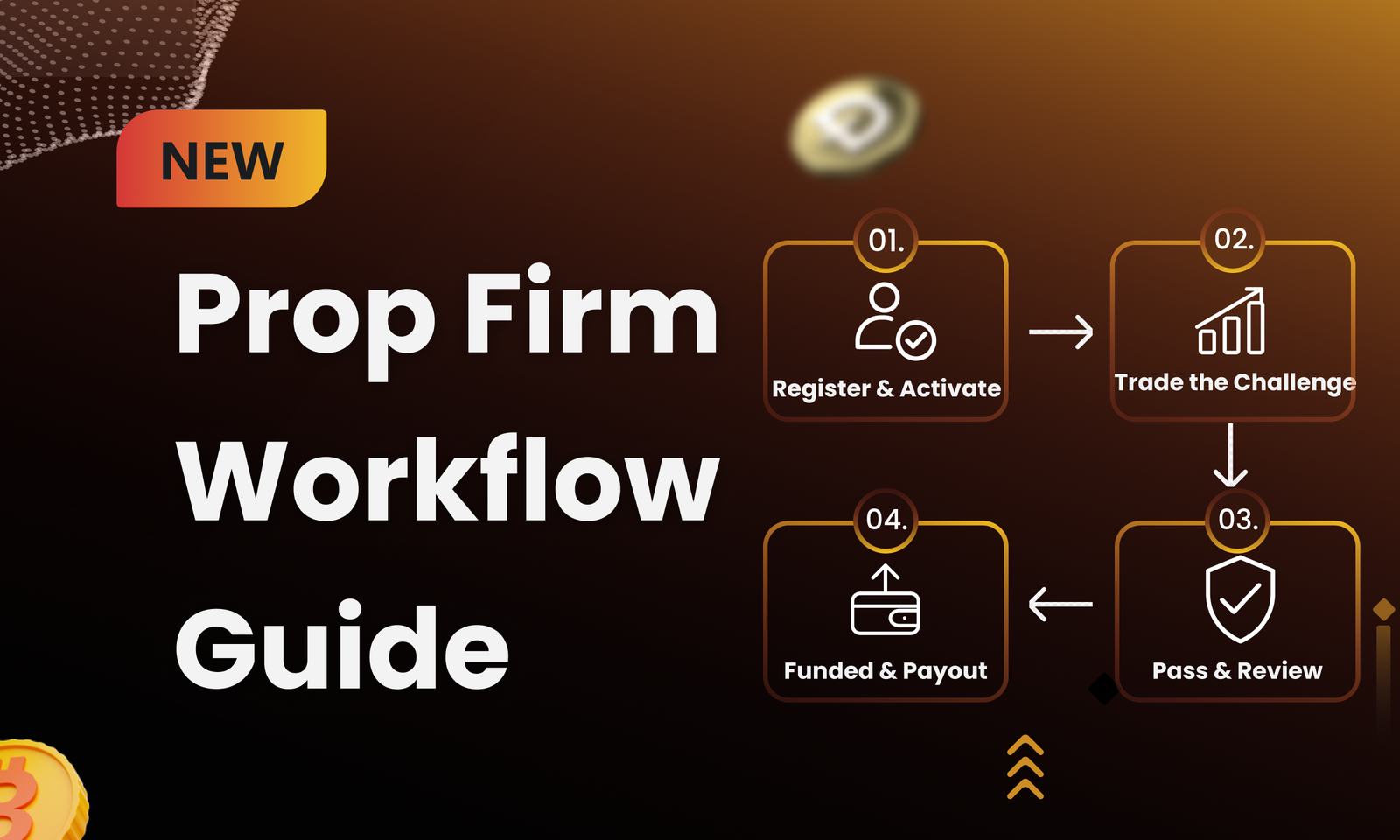
If you are building a prop firm, a prop firm funded account workflow is the story each account follows from sign-up to payout eligibility. Every handoff needs a trigger and someone responsible for it. When something changes, your trader also needs an explanation they can understand.
Treat your prop firm account lifecycle as a working map for daily use. When a trader asks why an account is pending or why its status changed, the map should give your team a clear answer.
Each program has its own details. The stages below show a common route and keep the trading or capital arrangement visible as an account progresses.
The account journey starts before the first trade. A trader chooses a challenge or account option, accepts the relevant terms, and supplies the information the program needs. Those choices should sit in the same record as the trader’s identity so the team has one place to check later.
Support requests often start here too. When a trader asks to change a selected program, the team should be able to see what was chosen, what was agreed, and whether the account has been created yet.
After payment, the account needs a clear route whether the payment goes through, remains pending, or fails. A refund or cancellation also needs a place in that route before a new account is created.
Once the account is activated, attach the correct configuration and rules. Give the trader the right phase. Then show the permissions and message that fit that point in the journey. It is worth walking through a payment that succeeds while account creation fails, because that is where an otherwise smooth flow can leave someone waiting without an answer.
During the challenge or evaluation phase, the program’s conditions apply to account activity. Traders should see where they are. Operators need a view of progress and any event that calls for attention.
This is where the account design starts to matter. One-step and two-step challenges can share individual rules while following different routes through the account. Those routes shape the messages and reporting that follow.
An account may hit a target. It may come close to a limit, or need a human review. Each event needs an agreed meaning and a clear account action. The record should show why that action happened, including the account data and rule behind it.
This is where real-time rule enforcement joins day-to-day operations. A later review should be able to follow the decision from the account event to the resulting state without guessing how the team got there.
Before you move a passed account forward, decide whether the next step is automatic, reviewed by a person, or a combination of the two. Set out what the review checks and who can make the call. If information is incomplete, give your team a path for resolving it and a way to tell the trader what is happening.
Use account labels that mean the same thing in the product and in trader messages. The history built at each transition can then feed trader evaluation beyond profit, giving later decisions more context than the final balance alone.
When a payout request arrives, eligibility comes with its own conditions and review. Keep the request, approval, and trader communication tied to the relevant account state and program rules, so the decision can be understood later.
The operations team also needs a way to record why an exception was resolved a certain way. That gives the trader a clearer explanation and gives the firm a reliable trail.
Some accounts will fail a challenge. Others may use an allowed retry, pause, or manual decision. Give a technical incident, a disputed event, and an account closure a route that preserves the original action and shows who changed it.
Map your prop firm funded account workflow as a set of states and transitions:
Registration → payment pending/confirmed → provisioned → evaluation phase → pass/fail/review → next account state → payout eligible/reviewed → closed or continuing
For each arrow, record the trigger and the data it needs. Then say what your system does and who can step in. Add the trader message for that moment, along with the path for an exception. The result is a map your product, operations, support, and reporting teams can use when they review a real account journey.
Walk through your intended account lifecycle with TinyTrader.
days left to apply
Prop Firm Funded Account Workflow: From Demo Challenge to Payout Eligibility If
When you run a prop firm challenge, rule enforcement starts when something
Prop Firm Daily Loss Limits: How to Configure and Enforce Them If
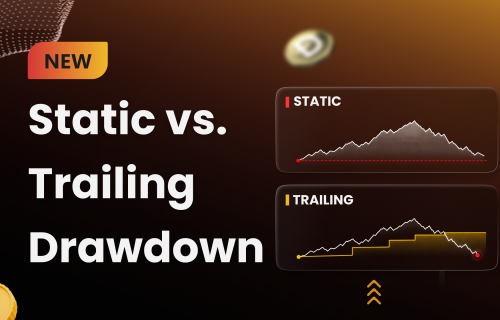
Static vs Trailing Drawdown: A Guide for Prop Firm Operators Static vs
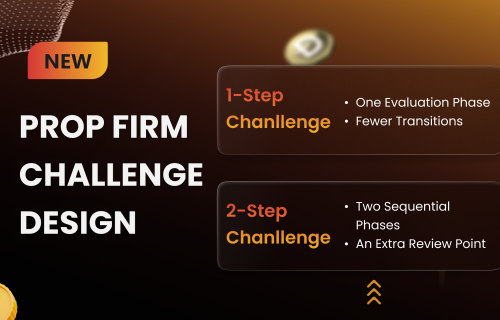
One-Step vs Two-Step Prop Challenges: A Guide for Prop Firm Operators If
If you are comparing a prop trading platform vs brokerage platform, it
Tell us about your project and we’ll schedule a demo with our product specialists.
By submitting, you agree to our privacy policy and consent to being contacted about opportunities.