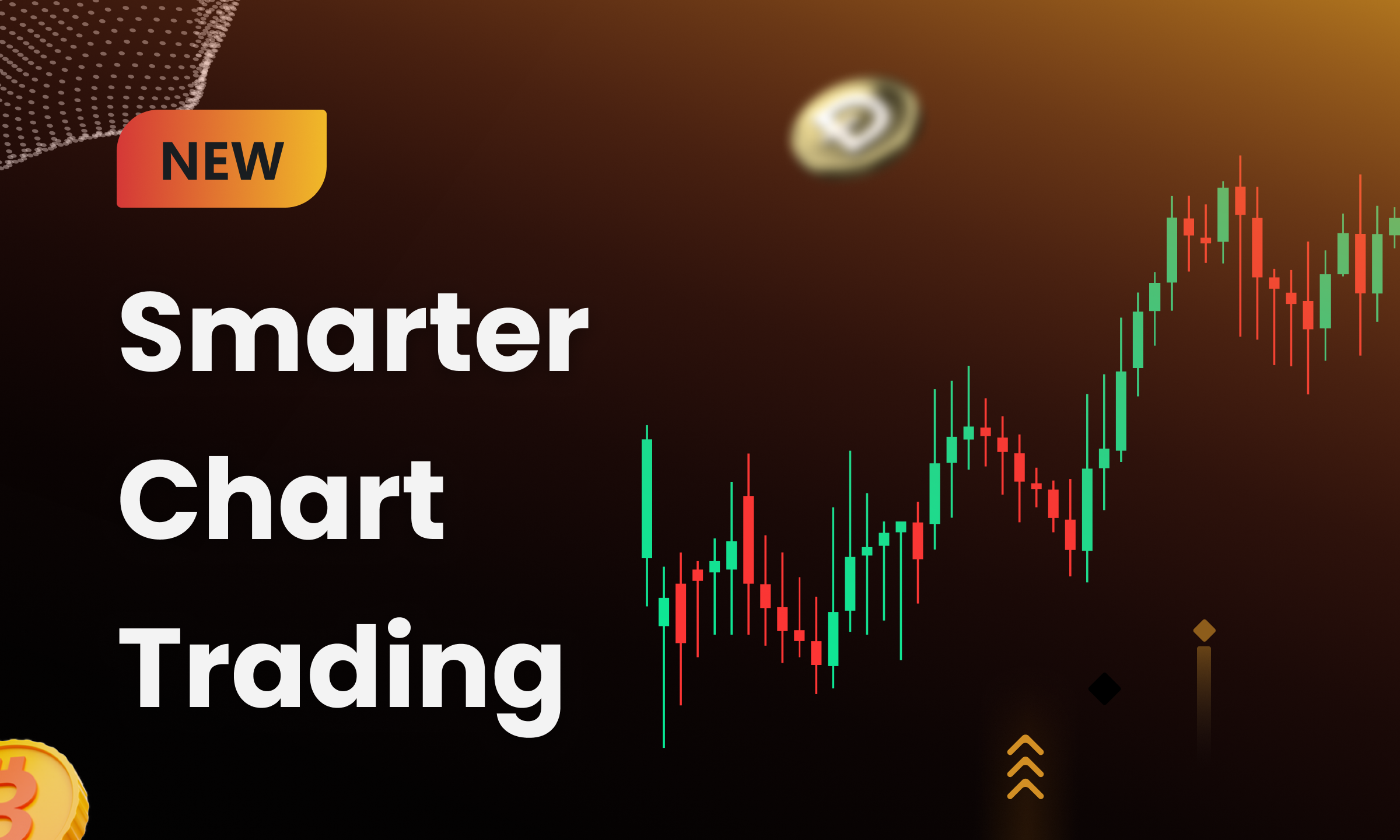
TinyTrader has upgraded its Web chart trading experience with Web TP/SL drawing lines, giving trading platforms a more visual way to help users monitor risk, adjust take-profit and stop-loss levels, and manage multiple trading-related order lines directly on the chart.
This upgrade is designed for futures trading platforms that need the Web trading interface to do more than display market movement. By bringing TP/SL order lines, estimated liquidation price references, hover details, popups, cancellation actions, and supported drag-based adjustment flows into the chart, platforms can help users understand position status and order behavior with less switching between modules.
In futures trading, the chart is often where users read price action, evaluate position exposure, and decide whether to adjust orders. If take-profit and stop-loss information is only available in separate order or position panels, users may need to move between multiple views to understand how their risk controls relate to current market prices.
Web TP/SL drawing lines make chart trading more operational. Users can see trading-related lines in context, review order information through hover states, and manage supported actions from a more visual interface layer. For platform operators, this helps turn the Web chart from a market display surface into a clearer order management and risk monitoring workspace.
TinyTrader now supports estimated liquidation price line visualization on Web charts. The upgrade adds display logic for estimated liquidation price, introduces an entry point in the secondary menu, and supports line layer management and selection state display.
When users hover over the estimated liquidation price line, the chart can display a detailed information tooltip. This gives users a more immediate reference for estimated liquidation levels while they review positions and market movement.
For trading platforms, this creates a clearer visual layer for position risk monitoring. It helps users understand where estimated liquidation levels sit relative to current price action without needing to leave the chart.
The Web chart trading upgrade also supports trailing TP/SL order line visualization. Multiple trailing TP/SL lines can be displayed at the same time, helping users monitor active trailing take-profit and stop-loss orders directly on the chart.
Users can hover over trailing TP/SL lines to view order details, use supported cancellation actions, and review detailed trade execution information through popup displays. This gives the chart a more useful role in order monitoring, especially when several TP/SL orders are active.
In the current version, trailing TP/SL lines support display, hover detail review, popup information, and cancellation. Direct drag-and-drop modification is not supported for trailing TP/SL orders in this release.
For cross margin scenarios, TinyTrader now supports TP/SL line visualization with drag-and-drop adjustment. Users can adjust TP/SL levels visually from the chart, with upward dragging used to set take-profit and downward dragging used to set stop-loss.
As users adjust order levels, the system can automatically calculate and display estimated profit amount and estimated return rate in real time. Hover tooltips provide detailed order information, while validation rules and toast notification feedback help make the modification flow clearer.
This improves the usability of cross margin TP/SL management by reducing the distance between price analysis and order adjustment. Instead of relying only on form-based edits, users can work with chart-based references while still receiving system feedback during the order modification process.
The upgrade also supports fixed quantity TP/SL line visualization. In fixed quantity mode, users can work with drag-based adjustment, order modification, and cancellation flows, supported by trade execution detail popups and position-level detail displays.
Fixed quantity TP/SL interactions now share a more unified logic with existing popups, order modification flows, and cancellation flows. This helps users review position-level information and manage related TP/SL orders through a more consistent Web chart trading experience.
For complex multi-position trading scenarios, this is especially important. The upgrade supports merged line display for multiple positions, improved business validation rules, color differentiation across multiple lines, line layering, and selection state management. These improvements help users identify order types, selected states, and position conditions more efficiently.
Beyond a single TP/SL order type, the upgrade improves multi-type line support across trading-related chart lines. This includes estimated liquidation price lines, trailing TP/SL lines, cross margin TP/SL lines, and fixed quantity TP/SL lines.
The chart interaction experience has been optimized for drawing lines, line recognition, and multi-order readability. Color differentiation, line layering, selection states, and merged line displays make it easier for users to understand which lines are active, which lines are selected, and which order or position each line represents.
For active futures trading interfaces, this visual hierarchy matters. When users manage multiple positions or several TP/SL orders at the same time, clearer line behavior can reduce confusion and make order monitoring more manageable.
For platform operators, Web TP/SL drawing lines extend the chart trading experience from market viewing to visual risk monitoring and order management. The upgrade gives trading platforms a more practical interface layer for take-profit and stop-loss workflows, estimated liquidation price visibility, multi-order display, and supported order adjustment actions.
This release also gives product, operations, and trading infrastructure teams a stronger way to present professional futures trading capabilities on Web. Instead of separating chart analysis, position risk, and TP/SL management across disconnected modules, platforms can deliver a more integrated chart-based workflow.
TinyTrader continues to build the engine behind high-performance crypto trading platforms, helping partners deliver more professional, visual, and manageable trading infrastructure.
Book a demo with the TinyTrader team to explore Web TP/SL drawing lines and futures trading infrastructure for your platform.
days left to apply
Tell us about your project and we’ll schedule a demo with our product specialists.
By submitting, you agree to our privacy policy and consent to being contacted about opportunities.